Core Web Vitals for SaaS Websites: LCP, INP & CLS Optimization Guide
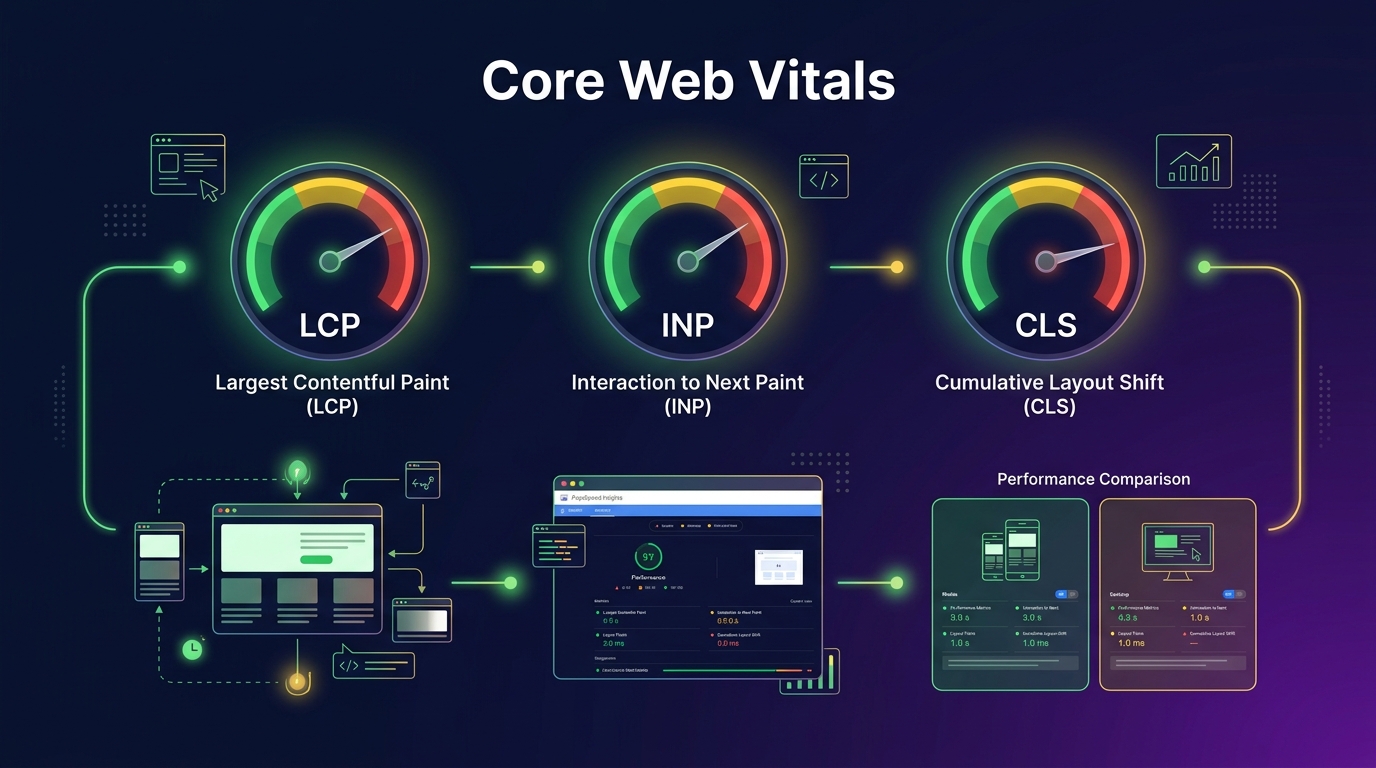
In the fiercely competitive SaaS landscape, a fast, responsive website isn't a luxury—it's a fundamental requirement. Optimizing your Core Web Vitals can be the deciding factor between securing top Google rankings and losing out to your agile competitors.
What Are Core Web Vitals and Why Do They Matter for SaaS?
Since 2021, Google has utilized a specific set of performance metrics—known as Core Web Vitals (CWV)—as a direct ranking signal. These metrics evaluate the real-world user experience of a web page, looking closely at loading speed, interactivity, and visual stability. For SaaS companies, mastering these vitals is non-negotiable because your website serves as your primary sales engine and first touchpoint for potential enterprise and B2B buyers.
When a B2B decision-maker lands on your SaaS landing page, they expect an immediate, fluid, and uninterrupted experience. If the page takes too long to load, if buttons fail to respond instantly, or if the content jumps around wildly while they attempt to read, they will quickly abandon your site. This poor user experience directly inflates your bounce rate, diminishes conversion rates, and ultimately damages your bottom line.
From an SEO perspective, Google’s Page Experience update made it crystal clear: websites that prioritize user-centric performance are favored in the search results. In a crowded market where multiple SaaS platforms offer comparable features and pricing, having a robust technical SEO foundation can act as the crucial tie-breaker. Integrating a comprehensive technical SEO for SaaS strategy ensures that your site’s underlying architecture effectively supports your broader marketing objectives, turning speed into a distinct competitive advantage.
Moreover, the metrics that make up Core Web Vitals represent quantifiable, actionable data points. Instead of vaguely trying to "make the site faster," marketing leaders and developers can target exact thresholds, align their efforts, and scientifically measure improvement over time. It transforms website optimization from an arbitrary pursuit into a highly targeted engineering discipline.
LCP (Largest Contentful Paint): Making SaaS Pages Load Fast
Largest Contentful Paint (LCP) measures the loading performance of a web page by tracking the exact time it takes for the largest visual element in the viewport to fully render. To pass Google’s threshold, your LCP should occur in under 2.5 seconds. For a typical SaaS website, this "largest element" is often a high-resolution hero image, an embedded video thumbnail, or a prominent H1 text block.
Many SaaS websites struggle with LCP because they rely on visually heavy, graphic-intensive above-the-fold designs. A massive unoptimized PNG showcasing an application dashboard can easily cripple load times. Another frequent culprit is the over-reliance on bulky, render-blocking JavaScript bundles, which delay the browser from downloading and rendering the hero image or text. Server response time also plays a pivotal role; if your hosting infrastructure is sluggish or if your database queries are poorly optimized, it directly inflates the Time to First Byte (TTFB), cascading into a terrible LCP score.
Fixing LCP requires a multifaceted approach. Start with the basics: implement aggressive image compression and convert all heavy visual assets to modern, lightweight formats like WebP or AVIF. Utilize a robust Content Delivery Network (CDN) to ensure that your static assets are served from locations geographically close to your users, thereby significantly cutting latency.
On the code level, preloading critical resources is a highly effective tactic. By adding <link rel="preload"> to your HTML head for your main hero image or essential web fonts, you instruct the browser to fetch these assets immediately, bypassing the normal discovery process. If you want a deeper dive into optimizing these elements, make sure to follow a rigorous on-page SEO checklist to ensure every aspect of your page contributes to a blazing-fast user experience.
INP (Interaction to Next Paint): Ensuring Responsive Interfaces
Interaction to Next Paint (INP) is Google's newest metric for assessing a website's overall responsiveness to user interactions. Replacing the older First Input Delay (FID), INP measures the latency of every click, tap, and keyboard input throughout the entire lifespan of a user's visit. For an optimal experience, your site should consistently achieve an INP of under 200 milliseconds.
SaaS marketing sites are notorious for high INP scores, largely due to their heavy reliance on complex front-end frameworks like React, Vue, or Angular. The hydration process—where the browser attaches JavaScript event listeners to a server-rendered HTML page—is extremely CPU-intensive and can lock up the main thread. During this critical window, if a user attempts to click a "Book a Demo" button or interact with a navigation menu, the browser cannot respond, leading to a frustrating, perceived sluggishness.
Furthermore, the rampant integration of third-party scripts exacerbates the issue. Marketing teams love to pile on analytics trackers, A/B testing scripts, complex lead capture forms, and chatbot widgets. Each of these scripts fights for the browser's main thread, pushing your INP well above acceptable limits.
To conquer INP, development teams must rigorously prioritize main-thread execution. The most impactful strategy is aggressive code splitting. Break down your massive JavaScript bundles into smaller, logically separated chunks, loading only the necessary code for the immediate view. Defer non-critical JavaScript (like analytics or below-the-fold interactive elements) until after the primary page content has become fully interactive.
Advanced engineering teams can also leverage Web Workers to offload heavy computational tasks from the main thread entirely. By shifting complex data processing or non-UI-related scripts to a separate background thread, the main thread remains completely free to instantaneously respond to user input, resulting in flawlessly responsive interfaces.
CLS (Cumulative Layout Shift): Preventing Visual Instability
Cumulative Layout Shift (CLS) quantifies a page’s visual stability. It measures the unexpected shifting of page elements while the page is rendering. To provide a professional, seamless experience, your CLS score should remain below 0.1. Nothing shatters a user's confidence in a B2B SaaS platform quite like trying to click a pricing tier, only for the page to jump, resulting in a click on the wrong button.
SaaS websites are highly susceptible to CLS problems due to their dynamic nature. A classic example is a complex SaaS pricing page where feature comparison tables, tooltips, and promotional banners are loaded dynamically via JavaScript. If space isn't properly reserved for these elements before they render, the entire page content gets violently pushed down. Similarly, delayed rendering of web fonts (FOUT/FOIT) can cause text to change size and shift surrounding containers.
Another major offender is the ubiquitous chat widget (e.g., Intercom or Drift). If these third-party elements suddenly pop into the viewport without predefined dimensions, they disrupt the layout stability entirely.
The fixes for CLS are straightforward but require meticulous implementation. Always provide explicit width and height attributes for every image, video, and iframe on your site. This practice ensures that the browser can allocate the correct amount of space in the layout engine even before the asset finishes downloading.
For dynamic content like chat widgets, ad banners, or dynamically injected forms, use CSS to reserve a placeholder box of the appropriate dimensions. Lastly, tackle font-related shifting by employing font-display: swap in your CSS, combined with preloading essential fonts, to ensure a smooth, stable transition from fallback fonts to your custom typography without jarring layout changes.
How to Measure Core Web Vitals
You cannot improve what you cannot measure. Establishing an accurate, consistent measurement protocol is the critical first step in any Core Web Vitals optimization campaign. Thankfully, Google provides a comprehensive suite of tools specifically designed to monitor, diagnose, and validate CWV performance.
The primary command center for your efforts should be the Google Search Console (GSC) Core Web Vitals report. This report groups your URLs by status (Poor, Needs Improvement, Good) based on actual field data from your users. It provides a macro-level overview, allowing you to instantly identify which page templates or site sections are dragging down your overall performance.
For page-level diagnostics, PageSpeed Insights (PSI) is indispensable. PSI offers both field data (real-world user experience) and lab data (simulated performance). It provides highly actionable, granular recommendations, such as identifying the specific DOM element causing your LCP or pinpointing exactly which JavaScript file is blocking the main thread.
When your developers need to dig deeper, the Chrome DevTools Performance tab is the ultimate weapon. It allows for advanced profiling, showcasing a millisecond-by-millisecond breakdown of the rendering pipeline, CPU usage, and main thread activity. Additionally, you can utilize the Web Vitals JavaScript library to capture real-time performance metrics directly from your users' browsers and send this telemetry to your analytics platform of choice.
Finally, for a broader perspective on historical trends, the Chrome User Experience Report (CrUX) dashboard in Looker Studio is excellent. It allows you to visualize your site's performance trajectory over months, providing invaluable data for executive reporting and demonstrating the long-term ROI of your technical SEO investments.
SaaS-Specific CWV Optimization Techniques
SaaS websites present unique architectural challenges that require specialized optimization techniques beyond standard best practices. A significant portion of SaaS marketing sites are built as Single Page Applications (SPAs) using React, Next.js, or Nuxt. While SPAs provide incredibly smooth transitions between pages once loaded, their initial rendering performance can be disastrous if not managed correctly.
JavaScript bundle optimization is paramount for SPAs. Implementing route-level code splitting ensures that a user visiting your homepage only downloads the code required for the homepage, rather than the entire application logic. This drastically reduces the initial payload and significantly improves both LCP and INP.
The debate between Server-Side Rendering (SSR) and Client-Side Rendering (CSR) is a defining factor in SaaS technical performance. Pure CSR relies entirely on the user’s browser to construct the HTML, severely penalizing LCP and indexability. Adopting a hybrid approach—like Static Site Generation (SSG) for marketing pages and blog posts, combined with SSR for dynamic content—offers the best of both worlds, delivering pre-rendered, lightning-fast HTML to both search engines and users.
Another powerful technique is lazy loading dashboard components and heavy interactive elements. If your landing page includes a complex, interactive preview of your application's dashboard, do not load that heavy component until the user actually scrolls to it. Instead, display a lightweight, optimized placeholder image.
Furthermore, implementing prefetching for authenticated routes or high-conversion pathways can create a perception of instant loading. When a user hovers over the "Pricing" or "Sign Up" button, you can preemptively fetch the resources for that next page in the background, making the subsequent navigation instantaneous. For more detailed technical implementation strategies, explore our comprehensive guide on technical SEO for SaaS.
Common CWV Mistakes SaaS Companies Make
Despite good intentions, many SaaS marketing and development teams repeatedly fall into common performance traps. One of the most prevalent mistakes is blindly importing entire component libraries. A developer might need a single specialized button or tooltip from a massive UI library like Material-UI or Ant Design, but inadvertently bundles the entire gigabyte-sized library into the production build. This completely suffocates the main thread and ruins the INP score. Implement stringent tree-shaking to ensure only the actually utilized code is shipped.
Image optimization remains a surprisingly common failure point. SaaS teams frequently upload massive, multi-megabyte screenshots directly from Figma or Sketch without any compression. It is essential to automate your image optimization pipeline, ensuring every image is appropriately scaled, compressed, and served in modern formats without relying on manual intervention.
However, the most destructive force acting against SaaS Core Web Vitals is third-party script bloat. Marketing teams naturally want the best tooling: Intercom for chat, Hotjar for heatmaps, HubSpot for lead tracking, VWO for A/B testing, and a dozen different ad pixels. Each script you add exacts a heavy performance toll, often executing unoptimized code that blocks your critical rendering path.
To combat this, conduct a ruthless, regular audit of all third-party scripts. Ask hard questions: Is this A/B testing tool actively running a test right now? Is the chat widget actually driving pipeline, or is it just generating support tickets? Defer the loading of all non-essential third-party scripts using Google Tag Manager or direct code modifications until the main page is fully interactive. Finally, failing to utilize a robust CDN for all static assets is an unforced error that artificially inflates load times for users geographically distant from your origin server.
CWV Impact on SEO Rankings and Conversions
The correlation between Core Web Vitals, organic search visibility, and revenue generation is well-documented and undeniable. Google’s page experience update fundamentally altered the SEO landscape by explicitly incorporating these user-centric metrics into the ranking algorithm. While high-quality, relevant content and a strong backlink profile remain the most critical ranking factors, in hyper-competitive SaaS SERPs (Search Engine Results Pages), CWV serves as the ultimate tie-breaker.
If your platform and your top competitor both have excellent content, authoritative backlinks, and perfectly optimized on-page elements, Google will invariably rank the faster, more stable website higher. Ignoring CWV means actively conceding top-tier organic real estate to your competitors.
Beyond SEO, the impact on your bottom line is immediate and measurable. Real-world case studies consistently demonstrate that improving LCP and INP directly correlates with dramatic reductions in bounce rates. When pages load instantly and respond without hesitation, users are far more likely to stay, engage, and progress deeper into the funnel.
Faster pages build trust. A sluggish website subconsciously signals a sluggish, unreliable software product. By optimizing your CWV, you are removing friction from the user journey. Incremental improvements in load speed—even by fractions of a second—have been shown to yield significant double-digit percentage improvements in conversion rates, from demo requests to free trial signups. Ultimately, investing in Core Web Vitals optimization is not just a technical SEO requirement; it is a proven strategy for driving scalable, sustainable revenue growth.
If you're unsure where your website stands, the best first step is a comprehensive evaluation. Check out our SEO audit guide to learn how to identify critical performance bottlenecks, or partner with experts who can diagnose and resolve these deeply technical issues efficiently.
Frequently Asked Questions
What is a good LCP score for a SaaS website?
A good LCP (Largest Contentful Paint) score for a SaaS website is under 2.5 seconds. To achieve this, ensure your main hero image, headline, or primary text block renders quickly by optimizing images and leveraging a fast Content Delivery Network (CDN).
Does Core Web Vitals directly affect Google rankings?
Yes, Core Web Vitals directly affect Google rankings. They are a confirmed part of Google’s Page Experience signals. While content relevance remains paramount, in highly competitive SaaS niches, superior Core Web Vitals can serve as a decisive tie-breaker for top spots.
How do you fix high CLS on SaaS pricing pages?
To fix high CLS on pricing pages, always specify explicit width and height attributes for dynamically loaded elements, such as feature comparison tables or tooltips. Reserve space for chat widgets or promotional banners to prevent content from jumping when they finally render.